

© 2026 InterSystems Corporation. All rights reserved.Privacy & TermsGuaranteeSection 508Contest Terms


SQL DATA LENS
0
0 reviews
2
Views
 0
0 0
0
Details
Releases (1)
Reviews
Articles (1)

SQL editor, global browser & ER diagrams built for InterSystems
What's new in this version
3.24 released on 2026-08-10
ENH : New InterSystems IRIS driver 3.10.5 added (from IRIS 2026.1)
FIXED: GlobalViewer: Invalid global value format is show to the user (e.g. $LB selected, but is not in this format)
FIXED: GlobalViewer: Mixed data types in global keys on the the same subscript level handled now correctly
ENH : DuckDb driver upgraded to 1.5.5.1
ENH : H2 driver upgraded to 2.4.240
ENH : Trino driver upgraded to 483
ENH : MariaDB driver upgraded to 3.5.10
SQL Data Lens is a Windows desktop SQL client and data explorer built specifically for
InterSystems IRIS and InterSystems Caché. It has been developed continuously since 2004.
Connect to a server once and every namespace is there. No separate JDBC connection per namespace, no need to know namespace names in advance, and nothing installed on the server side.
Why it is different from a generic SQL tool
ost SQL clients treat an InterSystems database as just another JDBC source. SQL Data Lens
is built around the parts that are actually specific to IRIS and Caché:
· Connections are established per server, not per namespace — all namespaces are listed
automatically
· Globals can be browsed and inspected visually, alongside SQL
· ObjectScript classes are visible next to the relational view of the same data
· ER diagrams are generated from existing schemas, including undocumented legacy ones
· The active CPF file, message and journal logs, the process list, table sizes, cached
queries and execution plans are available as ready-made views — no shell access needed
· The server process ID for your own session is always visible
· A single SQL statement can query and join across namespaces and servers
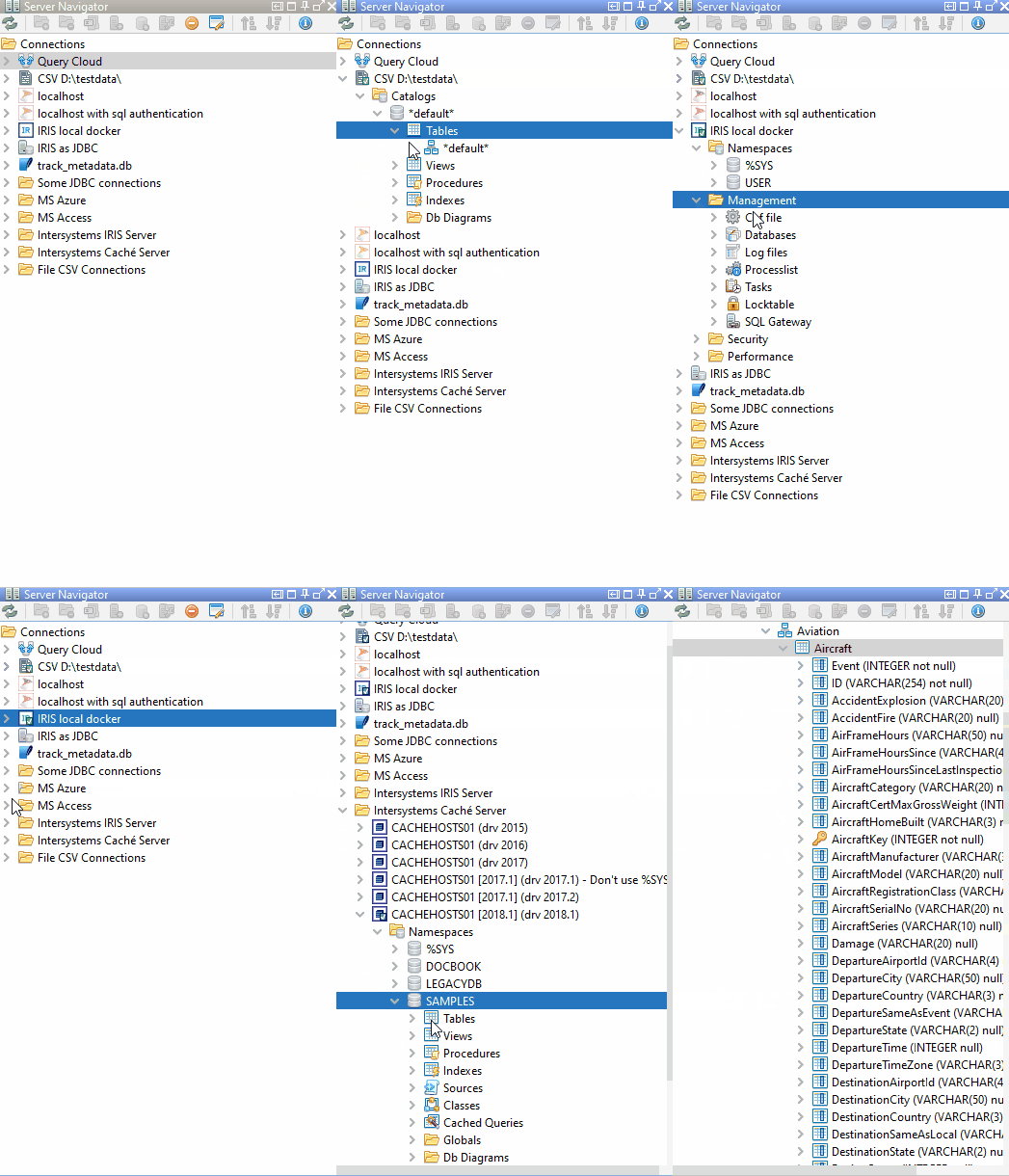
Server Navigator
A tree structure to browse and manage database objects. Organise and group your
InterSystems IRIS and Caché servers, and add connections to other databases alongside
them MS SQL Server, PostgreSQL, SQLite, H2, HSQLDB, MariaDB, Trino, MS Access, DuckDB or plain CSV files.
All required drivers are included. There is nothing to download or configure separately.
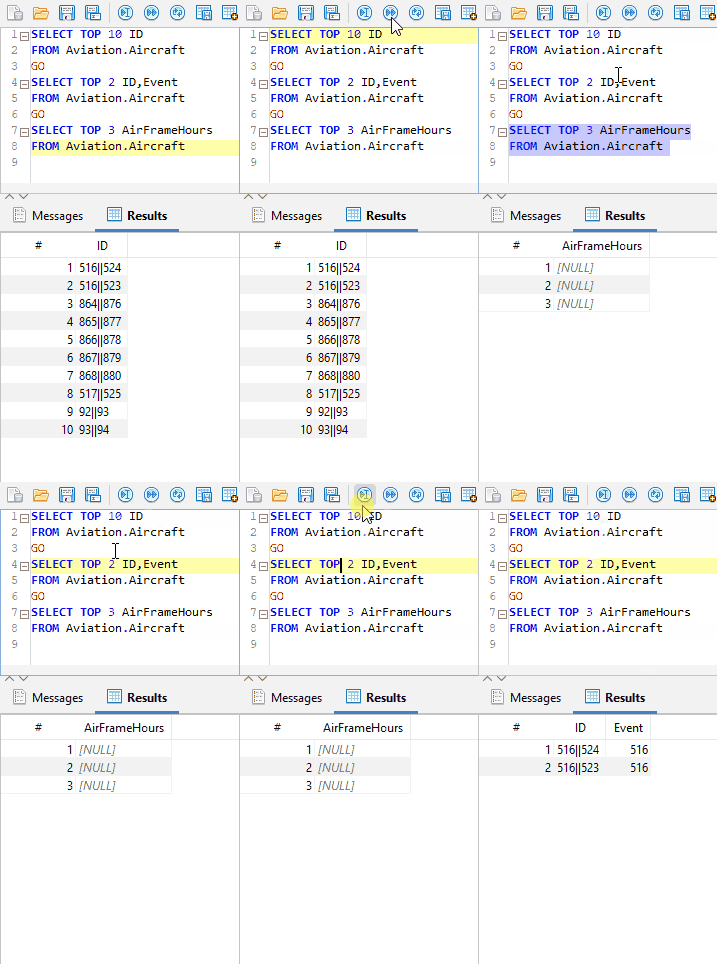
SQL editor
Write and run queries with auto-completion, syntax highlighting, bracket matching, go-to-line and statement formatting. SQL Data Lens detects statement boundaries automatically: place the cursor anywhere in a statement and press F5, or step through a script with
"Execute next query".
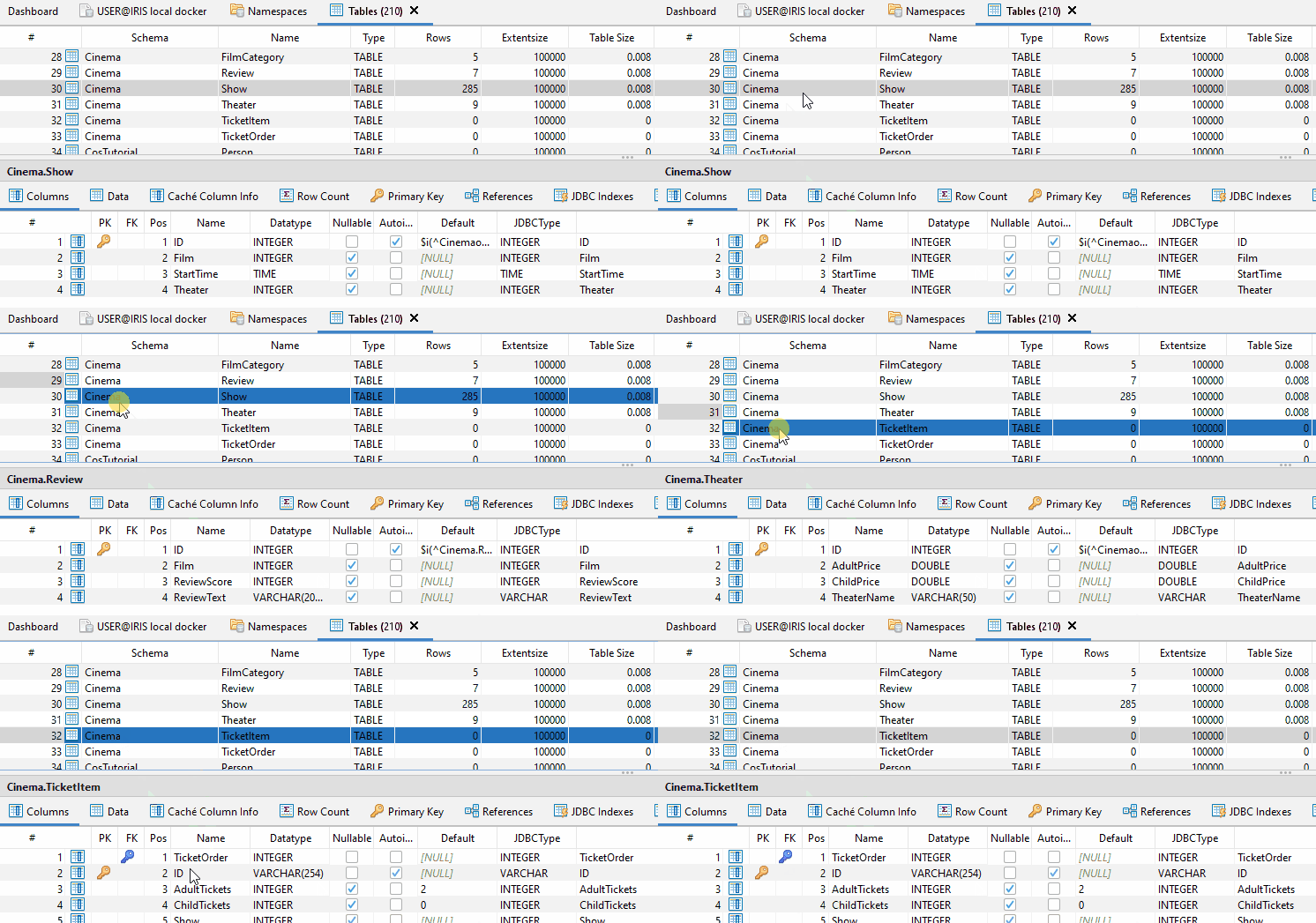
Tables, objects and data
Browse and administer tables, views, procedures, functions and triggers. The column detail
view shows primary and foreign keys for every column; hovering a foreign key reveals the
referenced table. Data can be filtered and edited directly in the result grid.
Easy editing, easy filtering simplify the work with your data
Globals and classes
Globals are browsed in a dedicated viewer that understands subscript levels and list
formats useful both for long-time Caché developers and for newcomers who have never worked with a global before. The class viewer shows ObjectScript classes next to the
tables they project.
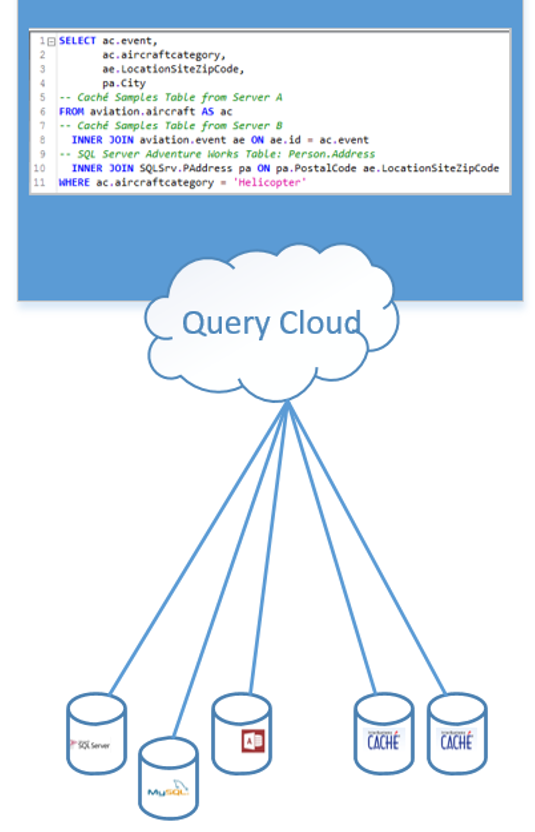
Local Query Cloud
Write a single SQL statement that spans multiple servers, multiple namespaces and external
data sources, including a JOIN between IRIS data and a Microsoft SQL Server table, an
MS Access database or a CSV file. All of it runs client-side, with zero installation on
the server.
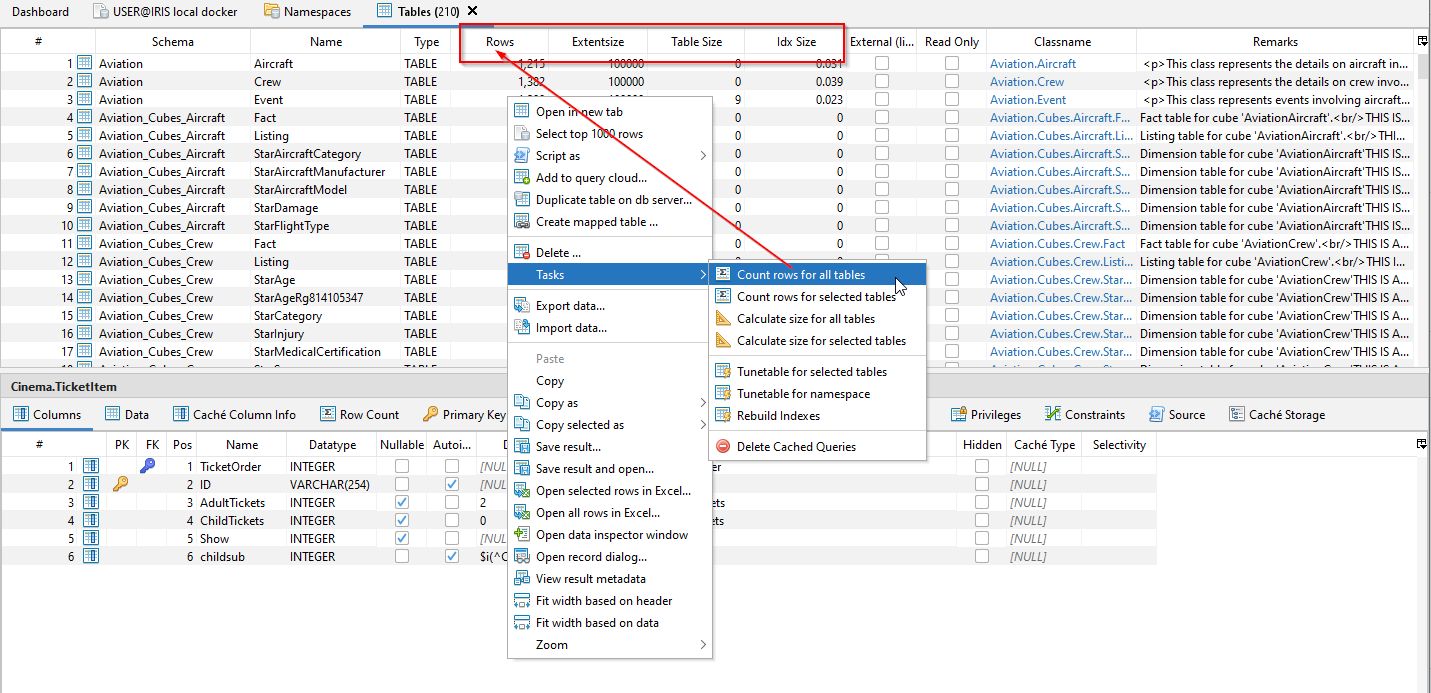
Administration and diagnostics
The active CPF file, messages.log and journal.log, running processes, table and global
sizes, cached queries and query execution plans are accessible through prepared views.
This makes routine questions about a live environment answerable without a shell session
or a support ticket.
Session snapshot
Closing SQL Data Lens stores all open editor tabs with their content and connection
details. Everything is restored on the next start.
Requirements and licensing
· Microsoft Windows, 64-bit. Available as a portable ZIP archive that runs without
installation, or as a Windows installer.
· Access is read-oriented and takes place over JDBC. SQL Data Lens is not a component of
database operations.
· No telemetry, no cloud component, no account required.
· Free Edition: permanently free of charge.
· Professional Edition: named user licence, perpetual.
· Enterprise: site licence.
· Download without registration at sqldatalens.com
From Caché Monitor to SQL Data Lens
SQL Data Lens is the continuation of Caché Monitor, which has been in development since
2004. The name was changed with version 3.0 to be less tightly bound to a single product
name, but the release numbering continued without interruption: the last Caché Monitor
release was 2.96, and SQL Data Lens started at 3.0. If you have used Caché Monitor before,
this is the same tool, further developed.
The product is maintained by Data Prudentia GmbH, Germany.
Version
3.2412 Aug, 2026
Category
Works with
InterSystems IRISCachéInterSystems IRIS for HealthHealthShareInterSystems IRIS Cloud SQLFirst published
12 Aug, 2026Last edited
12 Aug, 2026